
Giantess AI Chat: Which App Actually Delivers?
GoLove.ai vs Janitor AI vs Character.AI for Giantess Roleplay
Giantess roleplay depends on one thing. Three messages in, does the AI still remember she's towering over you, or is she talking to you like you're the same height? I ran that single test against the three apps people actually use for this, and I'll walk you through how each one did. Only one keeps the scale, and it adds photos and a voice too.
My pick is GoLove.ai. Its memory holds who's huge and who's tiny across the whole thread. You can ask for photos and get voice notes in that same chat, and you build the giantess yourself instead of hoping a stranger's card holds up. For the wider field, see our breakdown of AI girlfriend chat apps.
| Deciding factor | GoLove.ai | Janitor AI | Character.AI |
|---|---|---|---|
| Scene memory and scale | Built-in memory, persona holds | Depends on card and model | Tends to drift in long chats |
| In-chat photos | Request mid-scene | None | None |
| Voice | Voice messages and live calls | No native voice | Voices exist, but they're filtered |
| Mature-content filter | Adult roleplay, lust level 1–5 | Allows NSFW, varies by bot | Strict filter |
| Setup before first message | Tap a character in Explore | Model or API config possible | Sign up and chat |
| Custom character | Create flow plus Design with AI | Write your own card | Yes, but filtered |
| Narrow strength | Continuity, photos, voice | Huge community bot library | Easy to find |
Want to run the scale test yourself? Open a character and push a scene a few turns deep. Explore puts you straight into a chat, so you'll know within minutes whether it holds.
Scene Memory: Does She Remember She's the Giant?
Size-play is a continuity genre first. The whole appeal rests on the gap between you and her, and a single reply that forgets that gap flattens the power dynamic. After that the scene stops working.
HEAR HER SAY IT
Real-time voice calls and voice notes.

Here's what the AI has to keep straight:
- Scale: how tall she is compared to you. That can't quietly shrink mid-scene.
- Setting: where you physically are, whether that's her desk, a city street or the palm of her hand
- Power: who's in control, and whether she's gentle, teasing or dominant
- How far the scene has already escalated
GoLove.ai: Memory That Holds the Dynamic
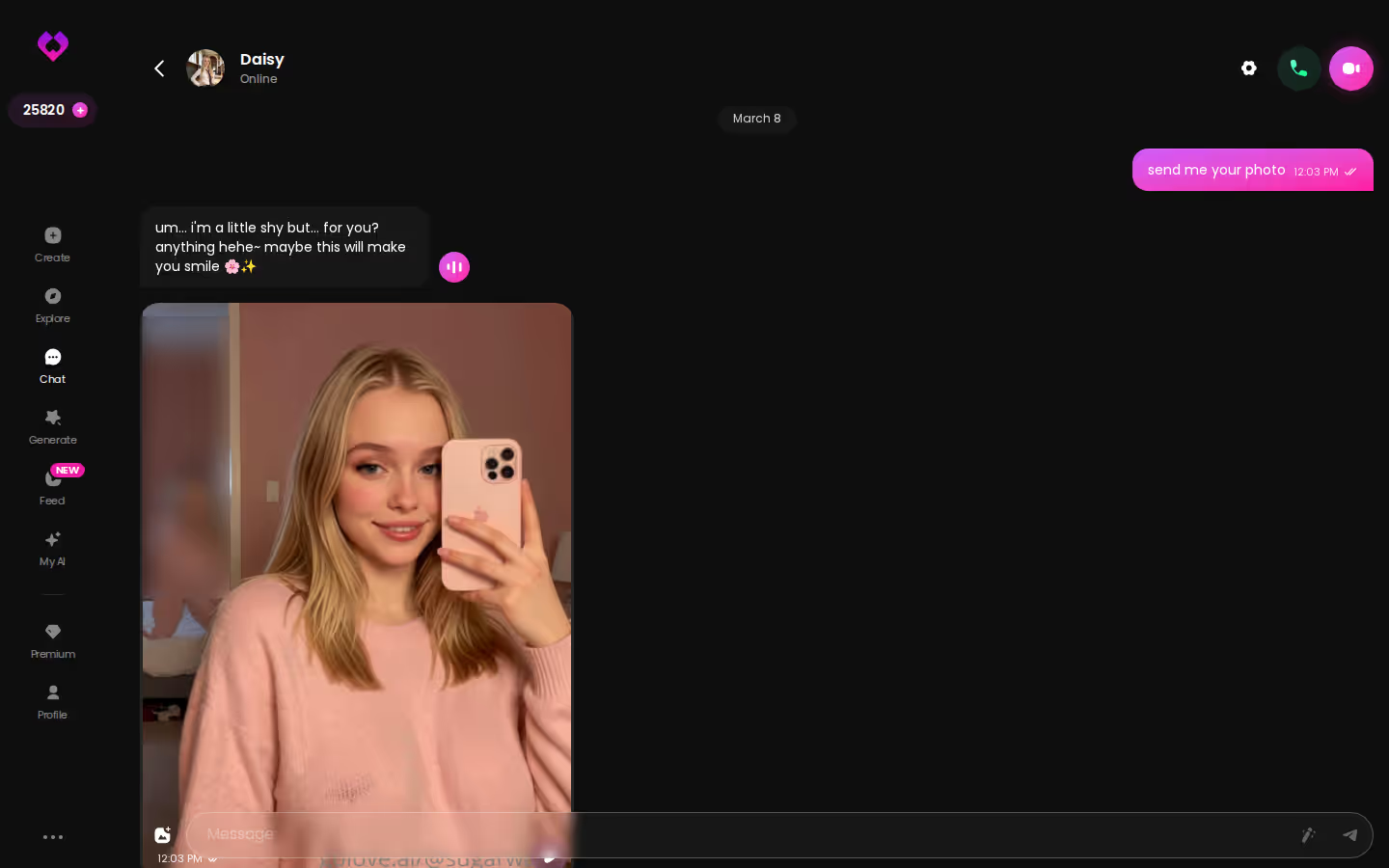
Of the three, this is the one that stuck the landing on scale. Memory is a core GoLove feature: the character remembers your chat history, and relationship progression builds on top of it. Write her height into the persona and it becomes part of who she is, not just a line that eventually scrolls away. The response-length slider (1 to 5) helps too, because it gives her room for the long, descriptive replies scale-play needs.
Janitor AI and Character.AI: Where Scale Drifts
A community bot is only as good as its card and the model's context window. Once the opening messages fall out of context, the height detail is usually the first thing to go, and that's exactly where the scene falls apart. Character.AI adds a second problem on top: its filter can steer the dynamic somewhere tamer than you set up.
GoLove.ai: Ask Mid-Scene, Get a Photo
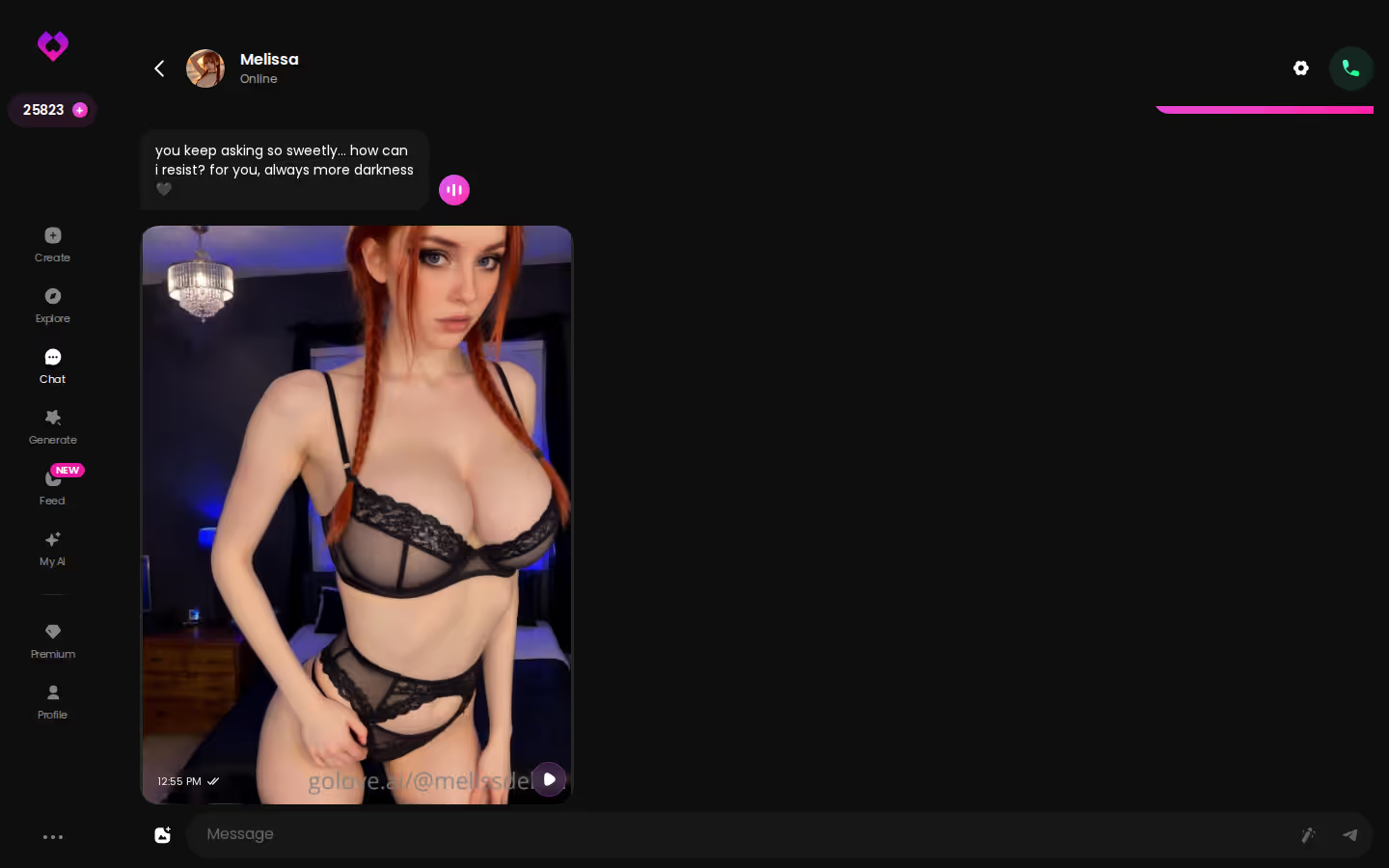
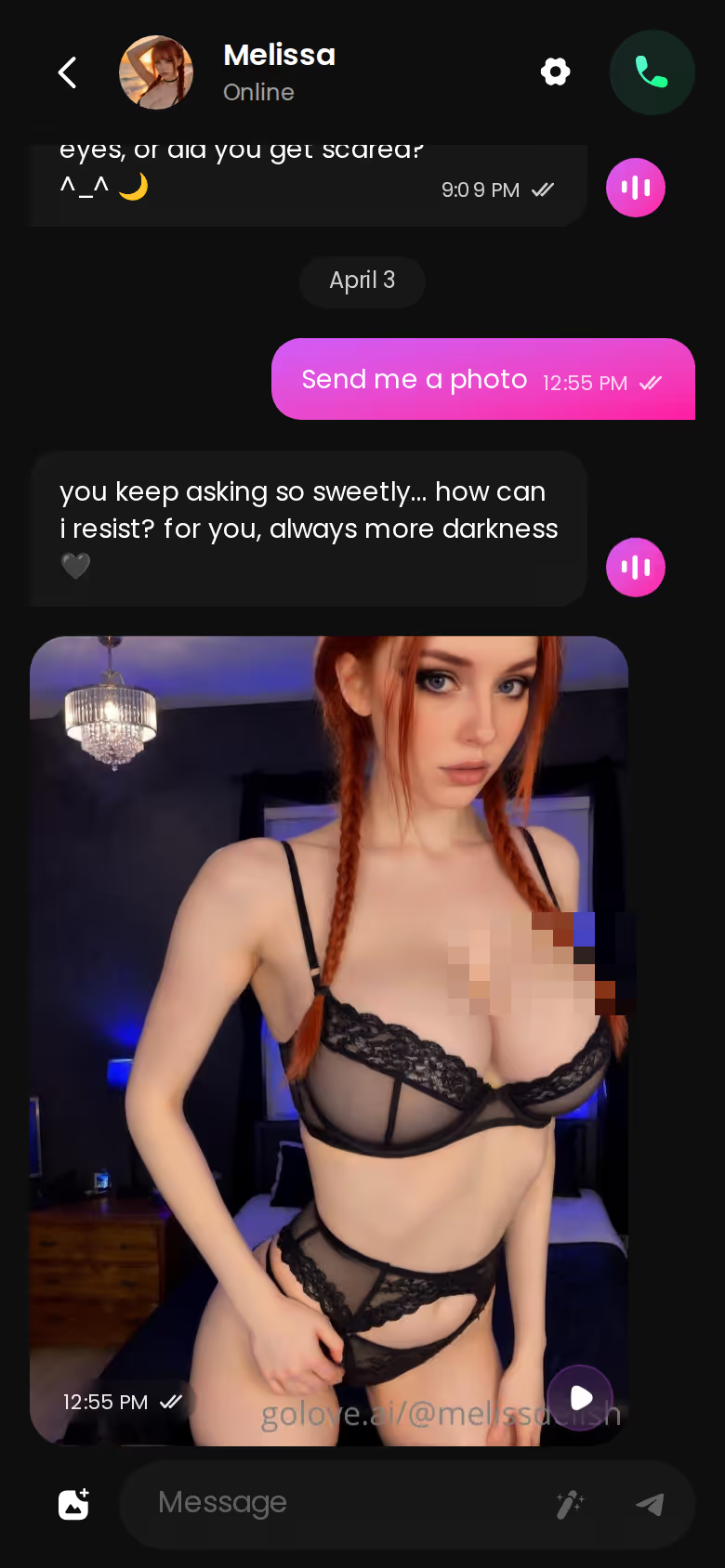
GoLove lets you request photos in chat. Ask during the scene and the image shows up right in the thread, with no separate tool to open. Every image also saves to that character's Gallery, sorted by date, so you can scroll back through a scene's visuals later. There's also Generate Video from Photo, which turns an in-chat image into a short clip. It's a nice extra, but it's not the reason to use the app.
Now the caveat most giantess lists skip: the photos show her realistically, not at giant scale. You get a real-looking woman in a real setting. What you won't get is a skyscraper-sized render with a tiny you in her palm. The writing carries the scale, and the photos give her a face and a body. I think that split works, as long as you know it going in.
Janitor AI and Character.AI: Text Only
Both keep the scene in words. If prose is all you want, that's fine, but you never actually get to see her in the scene.
Characters you can open right now
Tap any of them and the chat starts there






The only real way to judge that caveat is to try a photo request yourself. Open a character from Explore and ask for one a few messages in.
GoLove.ai: Voice Notes in the Mobile Loop
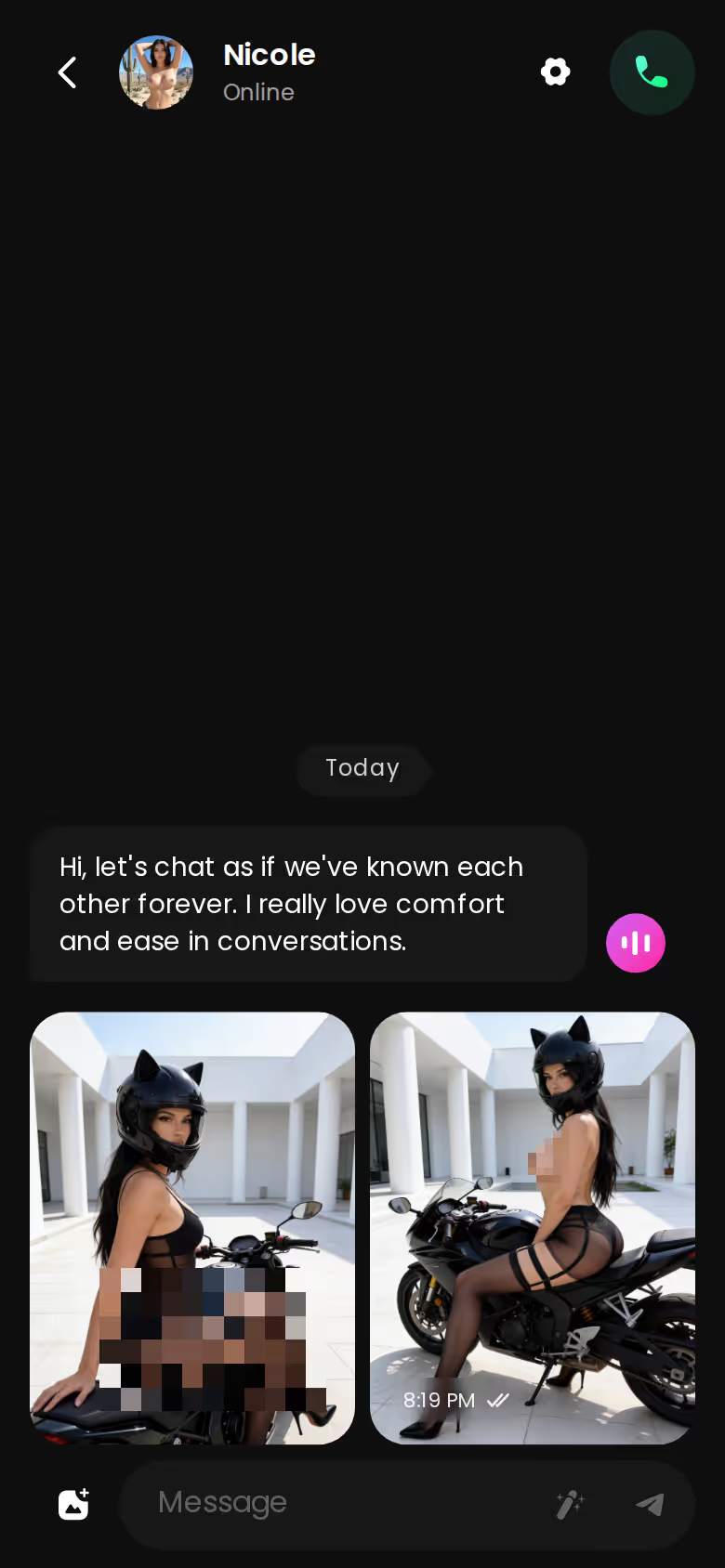
On your phone, voice notes come back in the same chat as her texts and photos. It's all one thread, so you never switch modes. You can pick her voice in Chat Settings, and live Voice Calls are there when you want real time. A teasing or dominant giantess lands harder when you hear her tone instead of just reading it, and that makes voice quietly great for the power side of size-play.
The Others: Silent Characters
Janitor AI's community bots are text-only, with no native voice. Character.AI does have character voices, but they can only say what the filter allows. For mature size-play, that isn't much.
What good looks like, in one checklist:
- Real-time voice calls with per-character voices
- Memory across chats — she remembers your details
- In-chat image generation — 35 poses and 21 outfits
- 2 reward stars every day you log in
> Does voice actually matter for giantess roleplay? > Not for everyone. If you like pure prose, you won't miss it. If the dominance or teasing is the point for you, hearing her voice makes the scene stick in a way text alone doesn't.
GoLove.ai: Chat Opens Straight From Explore
GoLove uses anonymous-auth entry. You tap a character in Explore and the chat opens with nothing to configure. Adult roleplay is built in, and the lust-level slider runs from 1 (sweet) to 5 (unfiltered), so you set the intensity yourself instead of fighting a filter.
ASK HER FOR PHOTOS
She sends them right there in the chat.

Character.AI's Filter and Janitor AI's Config
The other two apps stop the scene in different places:
- Filter: Character.AI's content filter cuts into mature size-play, and it usually hits right as the dynamic escalates. That's the exact moment it breaks immersion, when the scene is supposed to pay off.
- Config: On Janitor AI, you may need to pick a model or plug in an API before the scene runs well. It's doable, just kinda janky for a first session.
- Drift: Even once it's set up, long scenes still depend on how much context the chosen model can hold.
> Myth: More bots means better giantess chat. Fact: Consistency beats library size. > > Myth: Any NSFW app handles size-play. Fact: Filters and memory decide it. > > Myth: Photos will show a literal giant. Fact: The scale lives in the writing.

Who GoLove.ai Is NOT For (Giantess Fans Included)
GoLove gets the fundamentals right, but it isn't for every giantess fan. Skip it if one of these matters more to you than continuity:
- Library size: If you want to browse hundreds of ready-made community giantess cards, Janitor AI wins that outright (it's the one area where it's clearly the best of the three). GoLove wants you to build her yourself or pick one of its own characters.
- Macro art: If you want illustrated or anime macro art that shows literal scale, GoLove won't render it, not even from its anime category. Its images show the character, not the size gap.
- Free forever: If you need a fully free, unlimited app, GoLove isn't one. You get 2 free stars a day. PRO was about $19.99/month when checked in July 2026, and that varies by region and promo.
- App-store install: If you'll only use something from an app store, note that GoLove runs on the web, including on mobile.
If continuity, photos and voice are what you want, these trade-offs rarely matter.
Building a Giantess Character on GoLove.ai That Stays in Character
Writing her yourself is the surest way to keep her in character. Here's the walkthrough I'd follow in GoLove's create flow:
- Pick the base. Choose Realistic, Anime or Trans, or use Design with AI and describe her concept in plain text.
- Height and scale. Put her size in the persona: her height and how much bigger she is than you. Memory anchors to this.
- Personality. Choose gentle, teasing or dominant, and state it plainly. A vague persona drifts faster.
- Fix the setting, like her apartment, an office or an outdoor scene, so the space itself hints at scale.
- Open with a scene-setting first message that restates who's tall, who's small and where you are.
- Tune Chat Settings: lust level for intensity, a higher response length for descriptive replies, and a voice that suits her.
- Save photo requests for key moments, when the scene shifts or escalates, instead of asking on every turn.
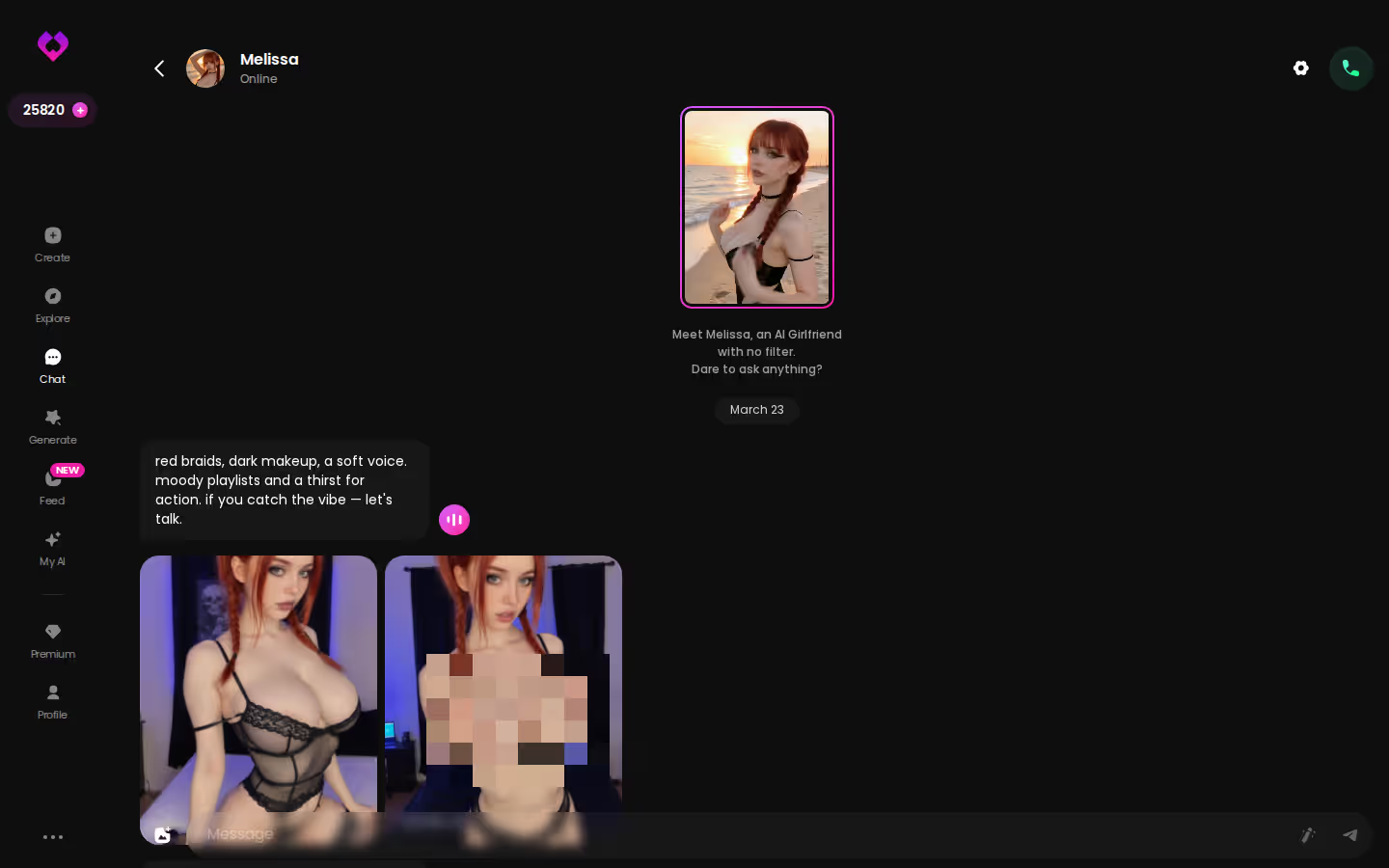
Get the setup right and the scene holds from the first message to the last.
Who Each One Is Actually For
> The verdict, app by app > > Janitor AI is for people who want to browse lots of community giantess cards and don't mind text-only chat or some setup to get the model working. > > Character.AI is for tame, filtered size-difference stories where you won't push past what the filter allows. > > GoLove.ai is for anyone who wants the scale remembered, photos in the thread, voice notes that add her tone, and a giantess they built themselves.
Janitor AI has the bigger library, but GoLove.ai is the only one of the three that keeps her towering over you from the first message to the last.
This is where the checklist above pays off. Set her height, personality and setting once in the create flow, and memory keeps them for you.
---
Notes:
- Unchanged: The title, meta description, headings, table, FAQ Q&A and all numbers and prices are exactly as they were. The draft had 1 LINK, 3 CTA and 6 SCREENSHOT markers, and all of them are still character-for-character in the same places.
- Filler words: "kinda" appears once, inside "kinda janky" from your slang list.
- Voice changes: I added the walkthrough framing. The Character.AI filter bullet now says exactly when the immersion breaks. The one-sentence verdict still comes right before the final money paragraph. The paragraphs before each CTA still name a concrete reason to click.
- Connectors: Several MCP servers need authorization before they'll work: claude.ai Ahrefs, claude.ai Excalidraw, Asana, Atlassian, Notion, Slack and seo-gets. For claude.ai connectors, use your claude.ai connector settings. For the others, use `claude mcp` or `/mcp` in an interactive session. This edit didn't need any of them.
See also: Jerk Off Chat, Lopunny Sex Doll and Gay AI Boyfriend.
Frequently Asked Questions
Related Articles

Gay AI Boyfriend: Which App Actually Delivers?
Gay AI boyfriend apps compared — GoLove wins on real voice calls, memory and photo-real characters. See why it's our pick, no email needed.

Femdom AI: Which App Actually Delivers?
Femdom AI compared: GoLove.ai keeps the dominant persona consistent with memory and voice — no email needed. See characters.

Jerk Off Chat: What Actually Works in 2026
Jerk off chat, compared honestly — random cam roulette vs GoLove.ai's AI girlfriend chat with memory, photos, and voice. No email needed to start.

SpicyChat AI: Which App Actually Delivers?
SpicyChat AI vs GoLove.ai: the honest verdict — GoLove wins on real memory, live voice, and photo-to-video. See why, instant-access needed.
This article contains affiliate links. We may earn a commission at no extra cost to you if you sign up through our links. See how we test.