Indian AI Porn: Design a Desi Character From Scratch
Why Typing 'Indian' Into a Generator Falls Flat
Ask a generic image generator for an Indian woman and you'll usually get a costume. There's a vague skin tone, a sari draped like a prop, and a different face every time you hit regenerate. A better search term won't fix that. What fixes it is writing her yourself, once, and letting every photo, clip and chat come from that one description.
The root problem is how little one word carries. "Indian" covers a whole subcontinent of regions, languages and looks, so a model handed that single word fills the gap with an average. And averages don't hold still from one image to the next.
A ground rule before we start: fictional women only. No real actresses, no influencers, no ex, no coworker. Recreating real people means using someone's likeness without consent, and this guide won't go there.
I'm walking through this on GoLove.ai because a character there is a persistent person rather than a one-off render. She keeps the same face and the same chat history. Scroll Explore and you'll hit a wall of ready-made companions, each with a profile and a bio.
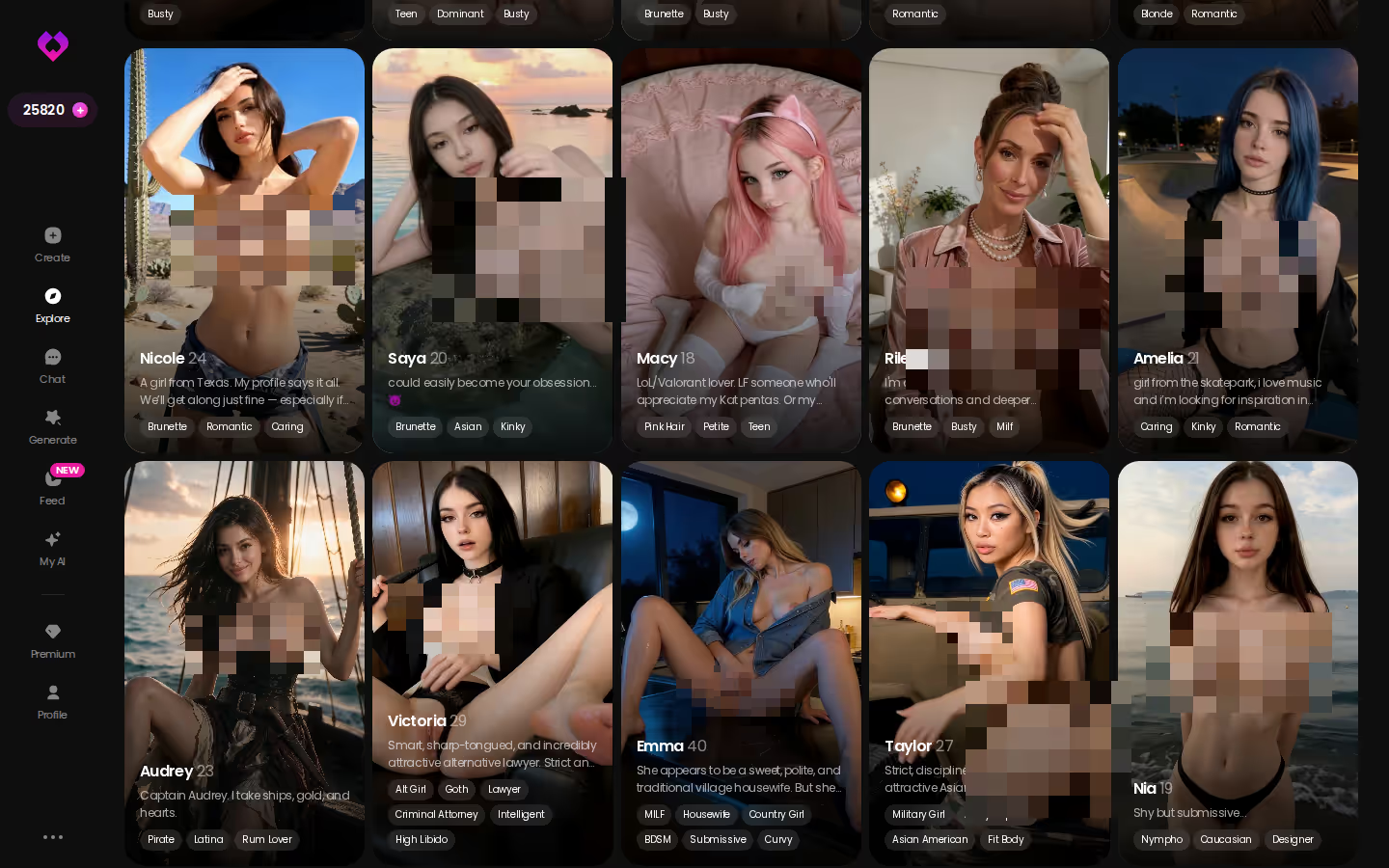
That means you can browse or build. Want to see how far a finished character goes before you write your own? Explore is the fastest look, because every profile opens straight into a chat.
Writing Her Into Existence With Design with AI
Open Create and the wizard asks two things up front: a Female/Trans toggle, then a pair of cards, Realistic or Anime. Below them sits the shortcut this whole guide depends on, Design with AI.
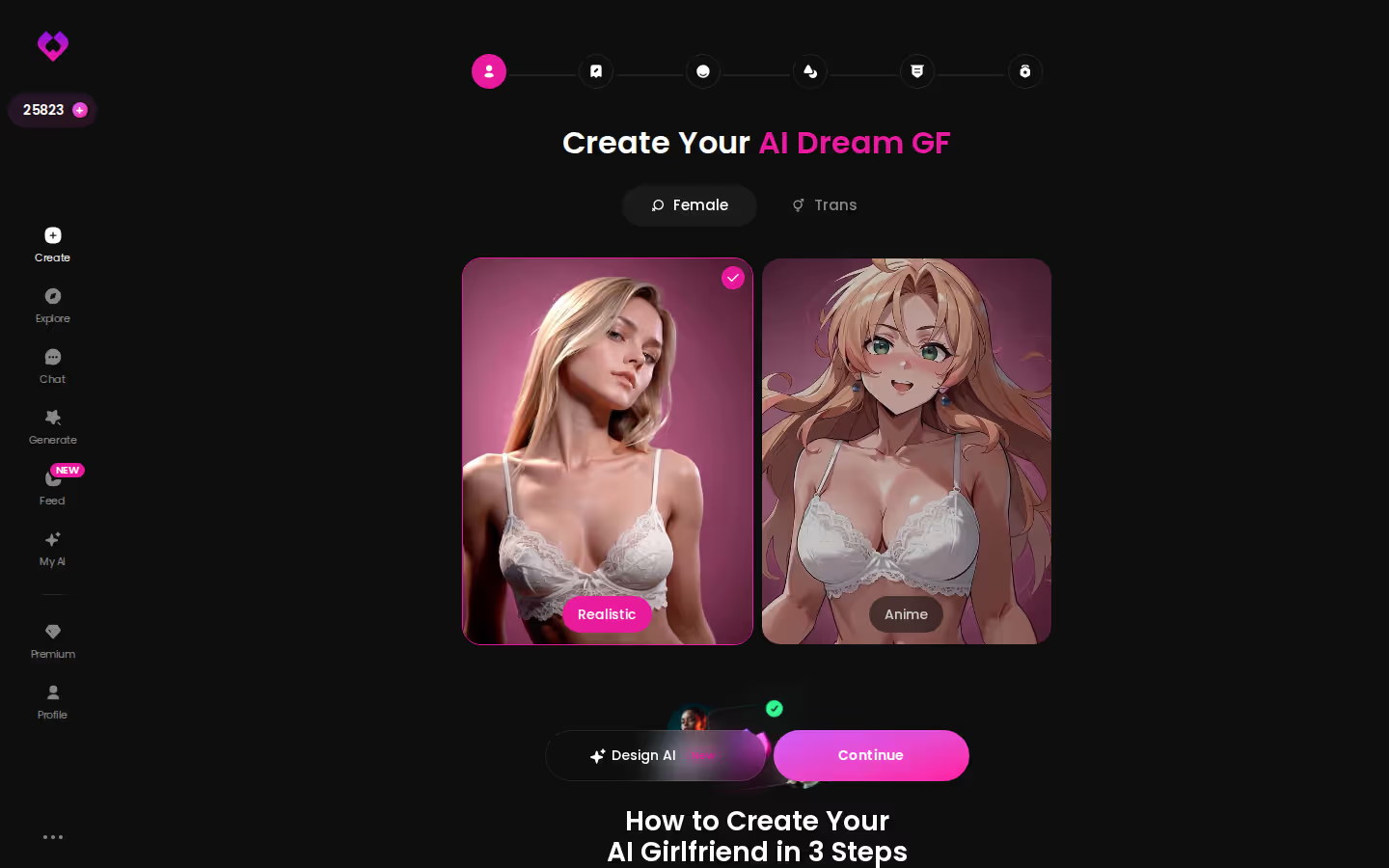
You describe her in plain text, up to 2,000 characters. In about a minute you get back a named character with her own @handle, a written bio and a portrait, for an observed cost of roughly 3 Stars. She starts out Private by default, so nobody else sees her unless you choose to publish.
MEET YOUR AI COMPANION
Hundreds of characters, one that fits you.
Two thousand characters is a lot of room. Spend it on specifics, not adjectives (a "beautiful, stunning, gorgeous" description buys you exactly nothing).
What to put in the description
- Regional look and skin tone: say where she's from (Kerala, Punjab, Gujarat, the London diaspora) and name her complexion plainly
- Hair: length, texture, braided or loose
- Build and height
- Signature outfit: a lehenga for evenings, a cotton saree at home, sharp office wear for her day job
- Personality: shy at first, then eager to please, or teasing and bossy
- How she flirts and talks: Hinglish texts, dry sarcasm, the pet names she uses
- Age: state clearly that she's an adult, for example 29
Then comes the rule that doesn't bend: never paste in a real person's name, photo or likeness. The character comes from your written description, or you pick an existing one in Explore, and every photo and clip after that is generated with her.
Her First Photo: Asking for It in the Chat
Say the character you wrote is Meera. She's 29, from Pune, works in architecture, and teases you about your cooking. At this point she's a portrait and a bio, and this next step is where she becomes someone you can actually see.
Open her chat, tap the media button, choose Send Photo, and describe the scene in your own words. Try a deep green silk saree, a dim bedroom lit by one lamp, and Meera half-turned toward a mirror. The photo arrives in about 20 to 45 seconds, for 1 Star. Her face and body stay consistent with the avatar and with any earlier photos, which is exactly where the generic generators fell apart. Since she's an adult character, explicit requests work too.
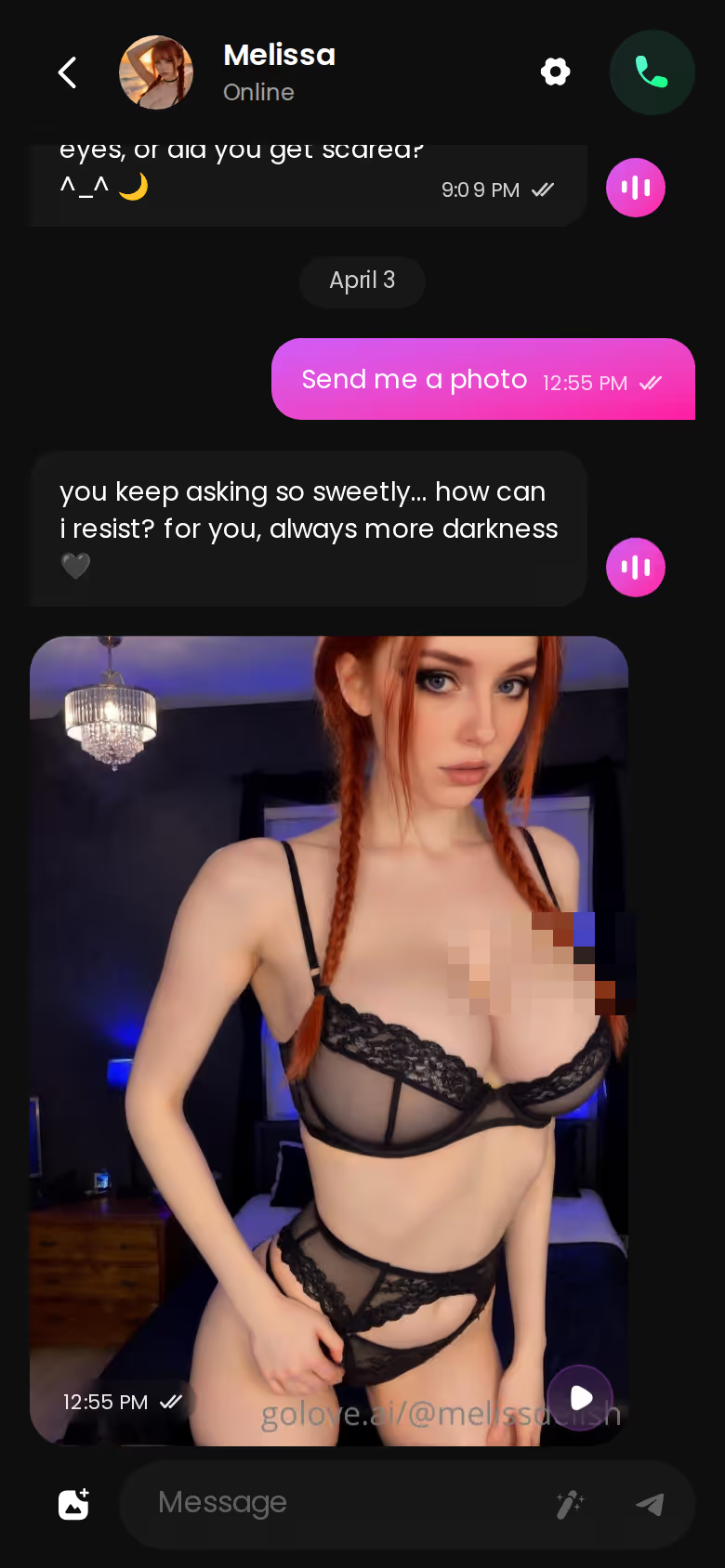
A few small helpers sit around this. The quick-reply chips include a "Send me a sexy video" shortcut. If you're stuck for what to say, the magic-wand button writes three suggested replies, and you can rate her answers from 1 to 5 and regenerate any that miss.
Characters you can open right now
Tap any of them and the chat starts there


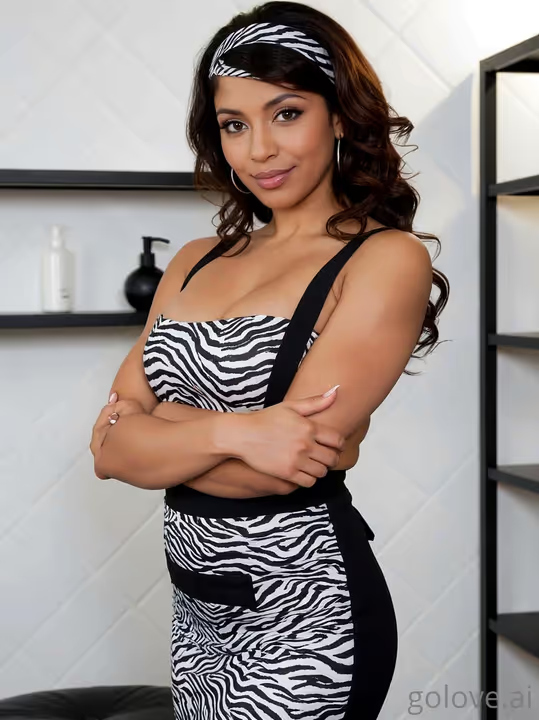
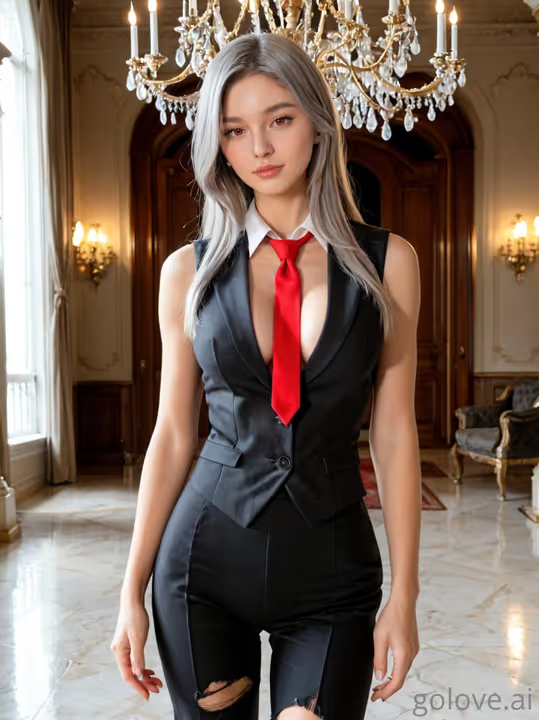

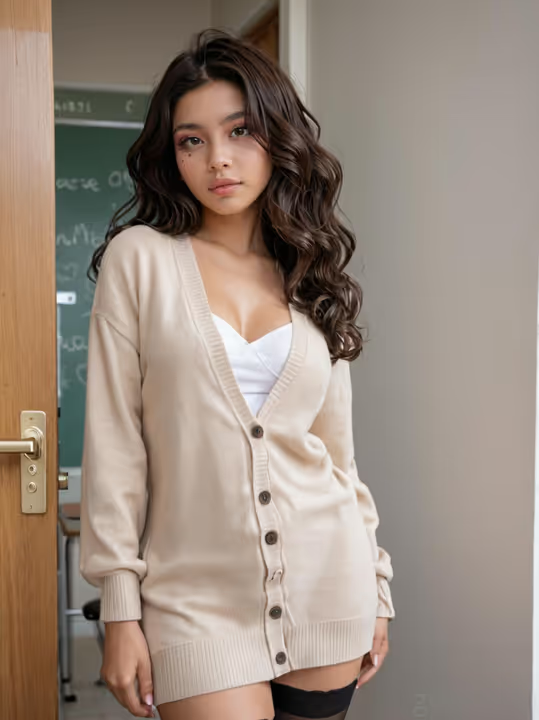
> The moment a description becomes a recognisable person, the same woman in the second photo as in the first, is the whole point of this search.
Where does immersion most likely break? Your own prompt. "Sexy photo" gives her far less to work with than the saree, the lamp and the mirror, and a lazy request reads like a lazy request in what comes back.
Building a Photo Set Around the Same Woman
One photo per message is fine for flirting. For a deliberate shoot, move to Generate. The generator works per character: her avatar sits at the top right, you tap it to swap who you're shooting, and a Presets dropdown holds ready-made setups.
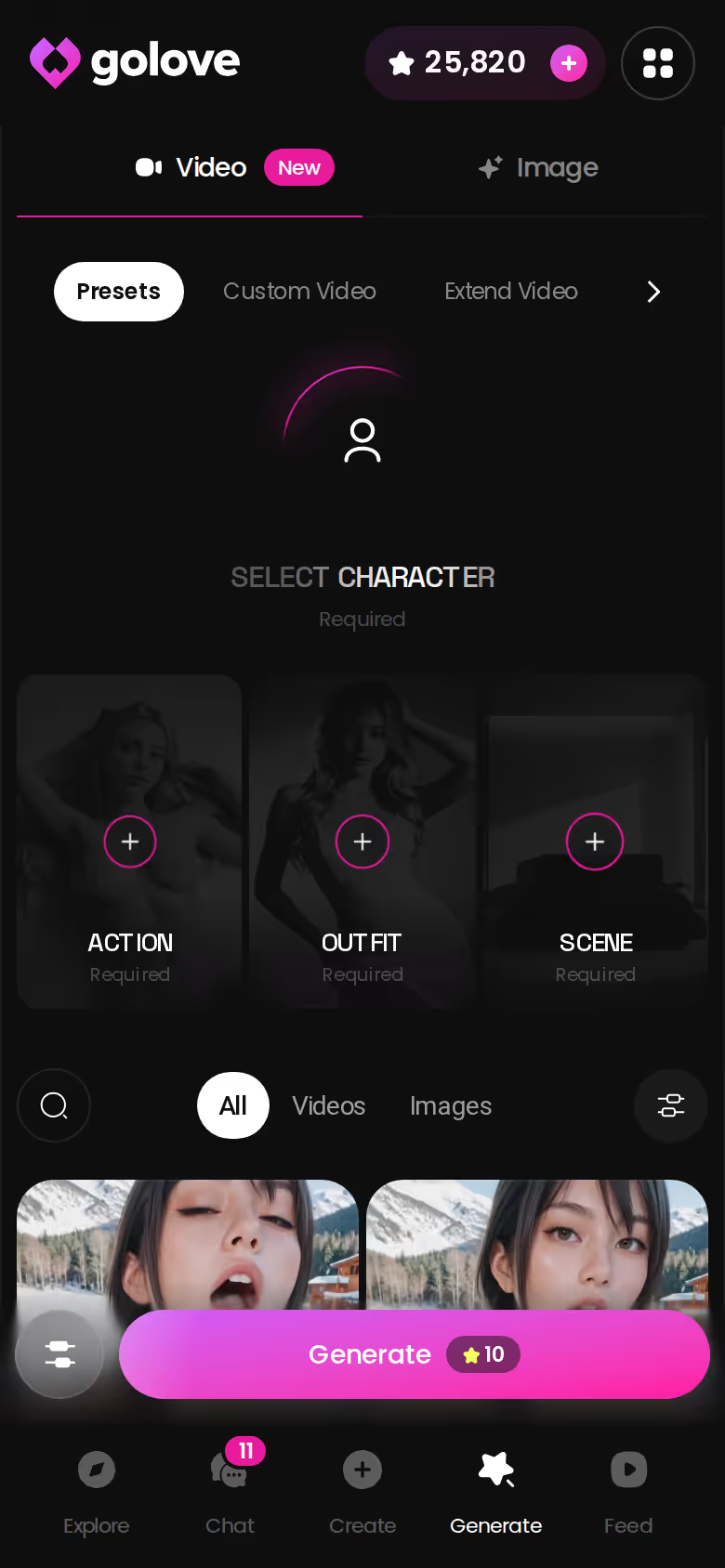
Realistic set: 35 poses · 21 outfits · 34 backgrounds, each with a custom option.
That custom option is the quietly great part for this search. You don't have to hope a saree preset is hiding somewhere in the outfit list; type it into custom clothes instead, say a maroon Banarasi saree with a gold border and a sleeveless blouse. Custom background works the same way. Describe a Mumbai rooftop at dusk with the skyline behind her, or a heritage-hotel room with carved wooden doors and brass lamps. Presets cover the basics. The cultural detail lives in the custom fields.
- Batch size: 1, 2, 4 or 8 images per run
- Cost: 1 Star per image
- Consistency: every result stays tied to Meera, so you don't get a lookalike
HEAR HER SAY IT
Real-time voice calls and voice notes.
From a Still Photo to a Moving Clip
Video is the natural next step, though it's an add-on rather than the reason you came. The shortest route starts in chat: under any photo she sends there's a one-tap Generate Video button, which turns that same scene into a clip of about 5 seconds in roughly a minute, for 10 Stars. That's ten photos' worth of Stars for five seconds of motion, so I'd treat it as a treat, not a habit.
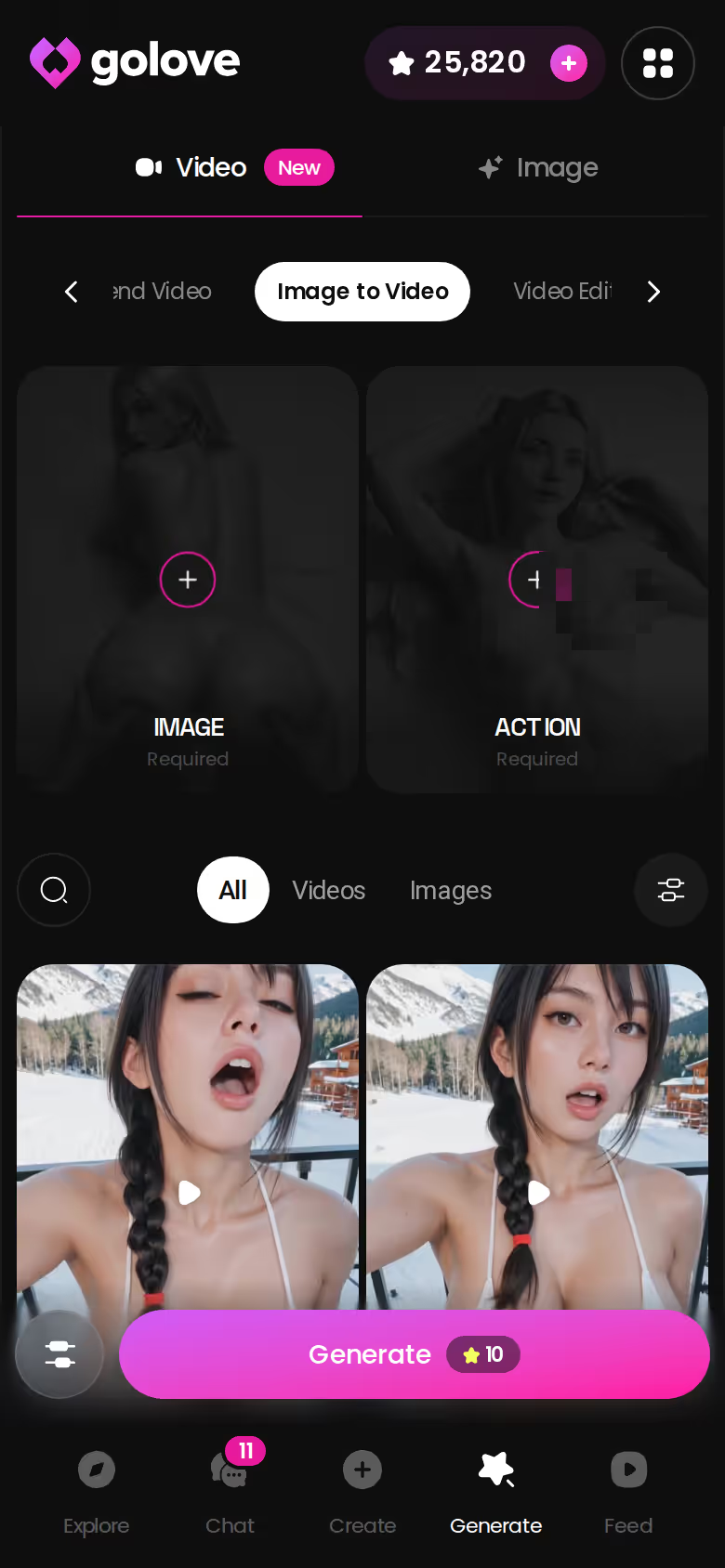
Inside the generator you get more control:
GoLove.ai, myth vs. fact:
- Myth: She forgets you the moment the tab closes — Fact: She remembers your chat history
- Myth: Voice is a gimmick you try once — Fact: Live voice calls, voice messages and a voice picker in Chat Settings
- Myth: Every "photo" is the same stock render — Fact: She sends photos on request, and the image generator has 35 realistic poses and 21 outfits
- Myth: You can't change how she talks — Fact: Chat Settings set her lust level and reply length
- Image to Video: pick one of her photos, say the rooftop shot, and animate it
- Presets: build the clip from cards, choosing an action, then clothes, then background, then one Generate tap. There are 76 realistic video modes with plain UI labels, from 'Twerk' to 'Hard Doggy Style'
- Resolution: 480p, 720p or 1080p, and a 720p video costs 10 Stars
Then there's Video Note. From the media button, tell her what to say or do, and she sends back a round talking clip with sound in under 90 seconds, for 10 Stars. Ask Meera to tease you about dinner and the written character starts to sound like someone. It's a small feature, but it's where the description really sticks the landing.
GoLove.ai's Free Tier: Where the Stars Run Out
This is the honest part of the walkthrough, because the Stars run out quickly.
| Plan | Price (checked Oct 2026) | What you get |
|---|---|---|
| Free | $0 | 2 daily reward Stars and a limited daily Feed, then the paywall |
| PRO | about $19.99/month or about $119.88/year | 100 Stars a month, all NSFW content, character creation, voice messages and calls, unlimited Feed, image generation |
| ULTRA | about $59.99/month | Stronger models, 8,000-message memory, more monthly Stars, a Star-refill discount |
| Star packs | from about $9.99 for 30 Stars | One-off top-ups |
| OurDream | from about $19.99/month, or about $9.99/month annually (checked Sept 2026) | Chat, images and video in one subscription; media draws on a separate DreamCoins balance |
GoLove prices vary by region and promo. We also couldn't confirm the exact daily Feed quota, or how long the current promos will hold.
Here's what Meera costs on her first day:
- Design: about 3 Stars for the character herself
- Photos: five chat photos, 5 Stars
- Clip: one chat video, 10 Stars
That's roughly 18 Stars, or about nine days of daily rewards. My take: the free tier is a peek, not a plan, and building a character properly realistically means PRO.
To be fair to the rival, OurDream bundles chat, image and video in one subscription, which makes it a reasonable pick if you prefer that model. See our breakdown of OurDream alternatives and how they compare.
Set the Heat, Then Let Her Remember You
Back in Meera's chat, open Chat Settings and pick her voice in the voice picker. Then set the lust level, where 1 is sweet and 5 is unfiltered, and match it to how you wrote her. A shy-then-eager character might start at 3 and climb from there. Response length works the same way: 1 for snappy texts, 5 for long, immersive replies. Voice messages and calls are PRO features, so plan for that.
Now close the app. When you come back tomorrow, she picks up the conversation, because Memory keeps the history. Generic generators can't offer that — there was never one woman there to remember you in the first place.
Once more, because it matters: keep her fictional, your own invention from start to finish. For the everyday rhythm of it, here's how AI girlfriend chat works day to day.
If you'd rather have everything bundled into one subscription, OurDream is a fair alternative. For this search, though, GoLove.ai is the one to use, because a single written description carries through chat, consistent photos and video as the same woman.
You already know what goes in the 2,000 characters. Design with AI turns that description into her in about a minute.
See also: Sissy Blackmail Porn, AI Monster Porn and AI Femboy Porn.
Frequently Asked Questions
Related Articles

Fapai: The AI Sexting Setup That Remembers You
Searching fapai? GoLove.ai is the AI sexting pick — memory and in-chat photo requests share one thread. See which lust and length dials to set first.
AI Girlfriend Unlimited Messages: What Actually Works
AI girlfriend unlimited messages: GoLove.ai wins on memory that carries the long thread — chat opens straight from Explore. Compare the caps, then start.
Sissy Blackmail Porn: What Actually Works in 2026
Sissy blackmail porn plays best as fiction — GoLove.ai wins on memory that holds the storyline. Chat opens straight from Explore — see who's waiting.

AI Girlfriend Love Simulator: What Actually Works
AI girlfriend love simulator apps compared — GoLove.ai wins on memory, voice, and real photos beyond chat. See how it actually works.
This article contains affiliate links. We may earn a commission at no extra cost to you if you sign up through our links. See how we test.